Allergens & the Allergen Matrix
Tag the 14 UK allergens on your menu items, show allergen icons and filters to customers, and print the allergen matrix for staff and inspections.
Providing clear allergen information is a legal requirement for UK food businesses, and getting it right protects your customers and your reputation. DineKit gives you a straightforward way to record, display, and print allergen information for every dish on your menu. This guide explains how DineKit handles the 14 UK allergens, how to tag them on a menu item, how they appear to customers, and how to use the printable allergen matrix.
Why allergen information matters
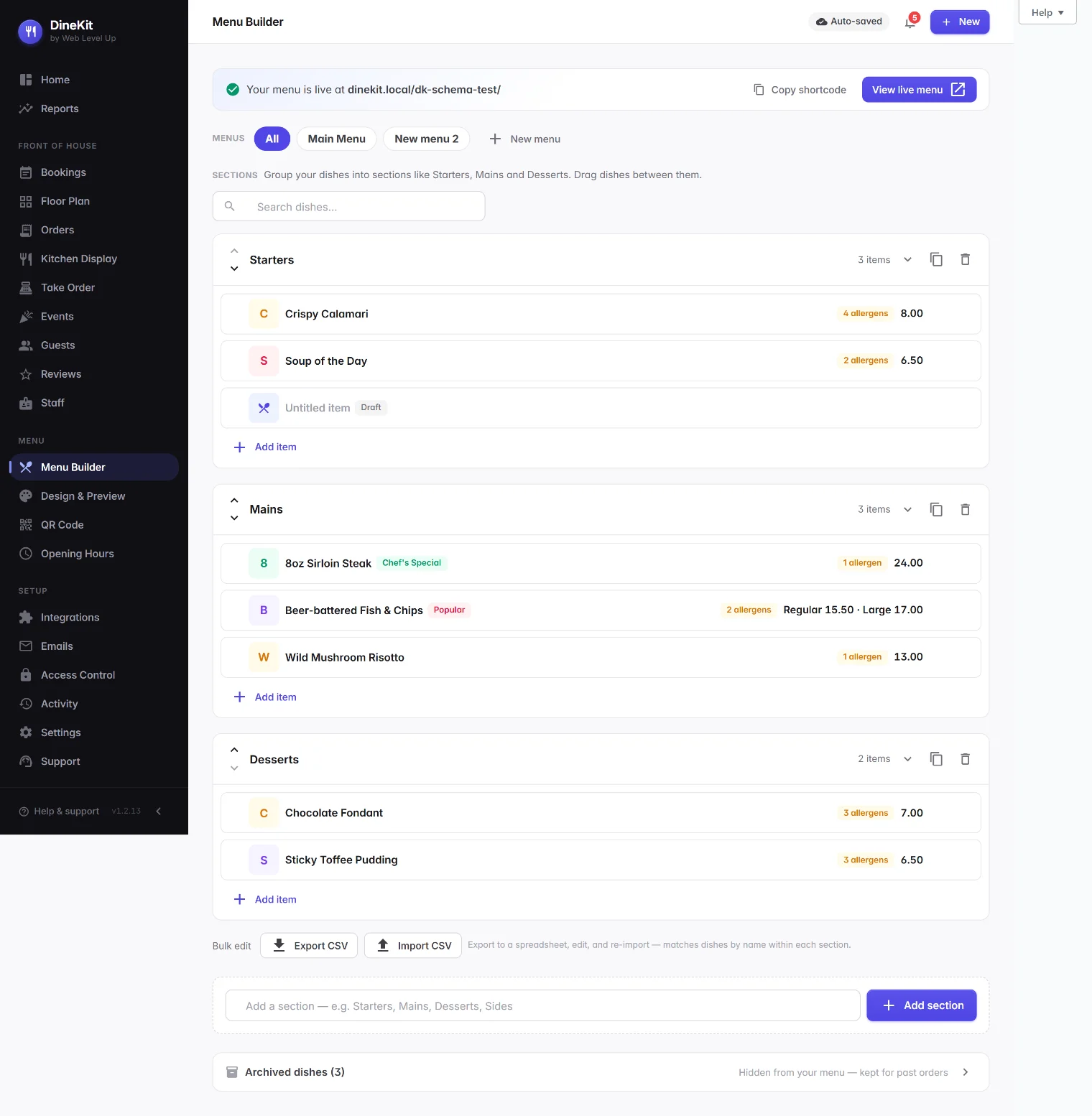
Food allergies can be life-threatening, and UK law places clear duties on food businesses to tell customers what is in their food. Rules such as Natasha’s Law require full ingredient and allergen labelling on prepacked-for-direct-sale foods, and all businesses must be able to provide accurate allergen information for the dishes they serve. For a plain-English overview, see our full Natasha’s Law guide, and read more about allergen compliance.
How DineKit handles the 14 UK allergens
DineKit comes with the 14 UK named allergens already built in, each with its own icon so customers can recognise them at a glance: celery, cereals containing gluten, crustaceans, eggs, fish, lupin, milk, molluscs, mustard, tree nuts, peanuts, sesame, soya (soybeans) and sulphites. You do not need to set these up — your job is to tag each dish against the allergens it contains, and DineKit shows the correct icons, key and matrix.
Tagging allergens on a menu item
Allergen tagging is part of building each dish. If you have not created your dishes yet, start with building your menu first. To tag allergens on an existing item:
- Open the menu item you want to edit in your WordPress dashboard.
- Find the allergens section on the item’s edit screen, where all 14 UK allergens are listed.
- Tick every allergen the dish contains. Be thorough — include allergens in sauces, dressings, garnishes, oils and anything used during cooking.
- Save or update the item.
Repeat for every dish. If a dish genuinely contains none of the 14 named allergens, leave them all unticked. If you are unsure whether an ingredient contains an allergen, check with your supplier before publishing.
How allergens appear to your customers
Once tagged, DineKit presents the information on your front-end menu automatically:
- Allergen icons on each dish, showing which of the 14 allergens it contains.
- An allergen key that explains what each icon means.
- Dietary filters that let customers show only suitable dishes, or avoid dishes containing a particular allergen.
These features help customers make informed choices, but they do not replace a conversation — staff should always be ready to discuss allergens directly.
The printable allergen matrix
DineKit also generates a printable allergen matrix: a grid that lists every dish down one side and all 14 UK allergens across the top, with each cell showing whether that dish contains that allergen. To open and print it:
- Follow the allergen matrix link on your front-end menu.
- The matrix opens as a clean, printable grid of every dish against the 14 allergens.
- Use your browser’s print function (
Ctrl+P, orCmd+Pon a Mac) to print it, or save it as a PDF.
Keep a printed copy on hand for kitchen and floor staff, and to show environmental health officers that you can produce accurate allergen information.
Keeping your allergen data accurate
Allergen information is only useful if it stays correct. Whenever you change a recipe, swap a supplier, or add a new dish, review the allergen tags straight away, and reprint the matrix so your kitchen copies always match what you serve.
Important: your responsibility
DineKit helps you present allergen information clearly, but it does not decide what is in your food. The accuracy of every allergen tag depends entirely on the information you enter, and the business remains legally responsible for that accuracy. Always confirm your allergen information against your actual recipes and suppliers, and check the current rules with the Food Standards Agency guidance. If you are ever unsure, seek professional advice before publishing your menu.